
Jira Service Management
Compare JSM form answers with Jira fields.
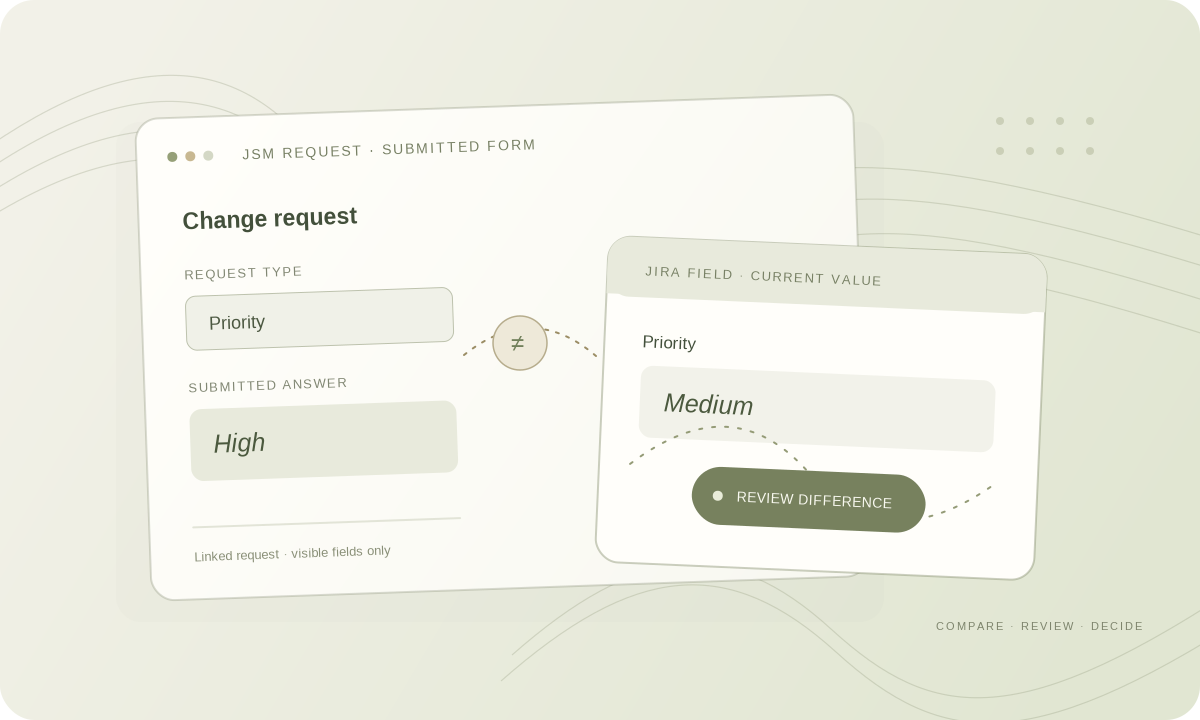
Review differences between supported linked JSM form answers and current Jira fields, with project rules and review history.
Who it’s for
JSM administrators reviewing supported linked form values and Jira fields.
Read-only comparisons. A recorded acknowledgement is not a native approval or a repair.
The problem
A submitted form answer and its linked Jira field can need review when they represent different points in the request lifecycle.
How it works
- Select issues and supported linked fields. Compare numbers and dates; short text requires explicit opt-in.
- Use project-level field rules to distinguish expected differences, matches and exclusions.
- Save review metadata and acknowledgements when useful. Recheck current permissions before review or CSV export.
Check the fit before installing
Source fields remain read-only. History retains metadata for 30 days, not raw answers. Rule versions remain until assisted deletion. Excludes choice fields, rich text, per-template rules, external data connections and conditional visibility. An acknowledgement is not resolution or approval.
Trust and support
Check the current Marketplace listing for the app’s Privacy & Security status, permissions, pricing and supported platforms. Read the product-specific documentation and policies before installing. Contact support@irazustasoftware.com for help.
Pricing & availability
Current price, taxes, trial terms and billing are shown on the marketplace listing and checkout. This website does not process orders.